
Encrypted messaging software development looks simple until the first real user loses a device, opens the app on a second phone, or asks why a message did not arrive.
Teams think the problem is encryption. The real problem is shipping a communication system where the backend cannot see the payload, users still expect consumer-grade reliability, and support cannot casually inspect the thing that broke.
That changes the conversation. You are not just choosing a cipher or adding a privacy checkbox. You are deciding how identity works, how devices become trusted, how keys rotate, how state syncs, how abuse is handled, and how your product team can debug failures without violating the trust model.
In 2026, privacy is no longer a niche feature. But encrypted messaging software development still punishes teams that treat security as a layer added after product design. The practical question is: how do you ship something private without turning your roadmap into a cryptography research project?
Table of contents
- Encrypted messaging software development is a shipping architecture problem
- The product surface is not the security model
- Choose the encryption model before you design the UX
- Build the workflow around identity, devices, and recovery
- Design message state like a payments system
- The backend still matters when messages are unreadable
- What breaks in practice and how to avoid it
- What works for an MVP and what should wait
- A launch plan for encrypted messaging software development
- Shipping private messaging without dragging the launch
Encrypted messaging software development is a shipping architecture problem
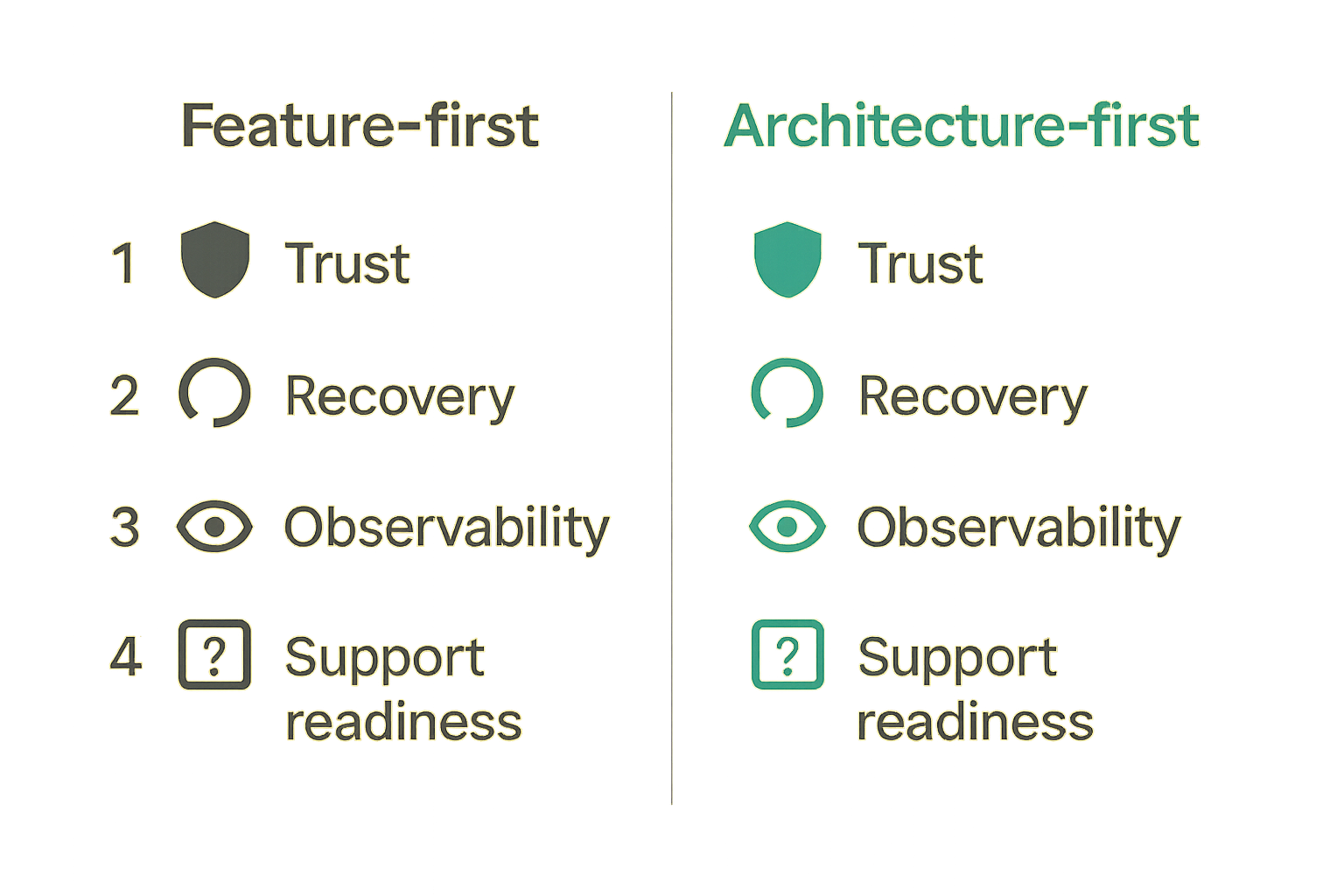
Why the hard part starts after encryption works
Getting two clients to exchange encrypted messages in a demo is not the same as shipping a messaging product. A demo has one happy path. A product has old phones, bad networks, stale sessions, push notification delays, revoked devices, forgotten passphrases, compliance questions, and users who assume messages either work instantly or the app is broken.
The mistake teams make is treating encryption as the core implementation and everything else as product polish. In reality, the cryptographic layer is one dependency inside a larger workflow.
A useful way to think about it is this: encrypted messaging software development is closer to building a distributed state machine than adding a chat box. Every user has identity state. Every device has trust state. Every message has delivery state. Every conversation has membership state. If those states drift, users do not blame the state machine. They blame the product.
The founder-level decision
Before choosing libraries, decide what promise you are making. Are you building private team chat, anonymous peer-to-peer messaging, customer support messaging, healthcare communication, creator communities, or B2B collaboration?
Each promise implies different tradeoffs:
| Product promise | Architecture pressure | Operational consequence |
|---|---|---|
| Private team chat | Multi-device reliability | Device management and admin controls matter |
| Anonymous messaging | Minimal identity metadata | Abuse handling becomes harder |
| Secure customer support | Auditability and consent | Support workflow needs strict boundaries |
| Community messaging | Group membership changes | Key rotation and moderation get complex |
| Founder MVP | Fast learning | Scope must be aggressively constrained |
The product category determines the security model. Not the other way around.
Practical rule: Do not start encrypted messaging software development by asking which algorithm to use. Start by writing the exact privacy promise your product can keep under support, recovery, and abuse scenarios.
What success looks like in production
Production success is boring in the best way. Users send messages. Devices sync. Lost phones do not become permanent account disasters. Admin features do not silently weaken encryption. Support can diagnose delivery failures without reading message content. Product managers can see where users drop off without collecting sensitive payloads.
That is the bar. Not perfect secrecy in a slide deck. Not a dramatic launch post about military-grade encryption. The bar is a coherent system that makes privacy predictable.
The product surface is not the security model
Do not confuse private UI with private architecture
A lock icon in the composer does not mean the system is private. A privacy page does not mean the backend is constrained. A database field named encrypted_body does not explain who can decrypt it, where keys live, or what happens when a user adds a device.
What breaks in practice is the gap between what users infer and what the architecture actually enforces. If the server can decrypt messages for search, moderation, or support, then the product is not end-to-end encrypted in the way users usually understand that phrase. That may be acceptable for some products, but it must be explicit.
The team at qrypt.chat spends a lot of time on this exact boundary: private communication only works when the product promise, key architecture, and user workflow are aligned.
Map what the server can know
Create a simple server-knowledge map before writing code. List what the backend can observe, store, infer, and modify.
For example:
| Data type | Can server see it? | Why it matters |
|---|---|---|
| Message plaintext | No | Core privacy boundary |
| Sender and recipient IDs | Usually yes | Needed for routing, sensitive as metadata |
| Conversation membership | Usually yes | Needed for sync and access control |
| Message size | Often yes | Can leak patterns |
| Timestamps | Often yes | Useful operationally, sensitive behaviorally |
| Device public keys | Yes | Needed for encryption setup |
| Private keys | No | Must never leave trusted client storage |
This table is not just for engineers. It affects sales copy, onboarding, legal language, support scripts, and investor conversations.
Document the trust promise early
Write a one-page trust document. It should answer:
- Who can read message content?
- What happens if your database leaks?
- What happens if an employee account is compromised?
- Can you reset a user password and recover old messages?
- Can admins export messages?
- What metadata do you retain?
- How are new devices trusted?
- What does deletion actually delete?
Practical rule: If your team cannot explain the trust model in plain language, your users will invent one for you. That is how privacy products get into trouble.
Choose the encryption model before you design the UX
Transport encryption is not enough
TLS protects data in transit between the client and your server. It does not protect messages from the server itself. For many products, TLS plus database encryption may be enough. For encrypted messaging software development, it usually is not.
The distinction matters because founders often say encrypted when they mean secure transport. Users hear encrypted and assume the company cannot read messages. Those are different promises.
A simple comparison:
| Approach | Server can read message content | Easier search and moderation | Strong user privacy |
|---|---|---|---|
| TLS only | Yes | Yes | Low |
| Server-side encryption | Yes, if server has keys | Yes | Medium |
| End-to-end encryption | No | Harder | High |
The right answer depends on your product. But the wrong answer is ambiguity.
End-to-end encryption changes product behavior
End-to-end encryption means the clients encrypt and decrypt messages, while the server routes ciphertext. That sounds like a technical detail. It is actually a product constraint.
Search becomes local or limited. Message previews in push notifications become risky. Account recovery cannot magically restore old messages unless you design a secure backup mechanism. Admin exports are constrained. Moderation has to use reports, client-side signals, or metadata instead of direct content inspection.
That changes the conversation with every function in the company. Product wants convenience. Growth wants frictionless onboarding. Support wants visibility. Security wants narrow trust boundaries. Your architecture has to decide which tradeoffs are allowed.
Group messaging multiplies complexity
One-to-one encrypted messaging is manageable. Group messaging is where many teams underestimate the work.
When a new member joins, should they see old messages? When someone leaves, how fast do keys rotate? What happens if one member is offline during a group key update? Can admins remove a compromised device? How do you prevent a former member from decrypting future messages?
A small MVP can avoid some of this by limiting group size, disabling history for new members, or shipping one-to-one messaging first. That is not weakness. That is sequencing.
Practical rule: Every group feature is also a key-management feature. Treat membership changes as security events, not just UI updates.
Build the workflow around identity, devices, and recovery
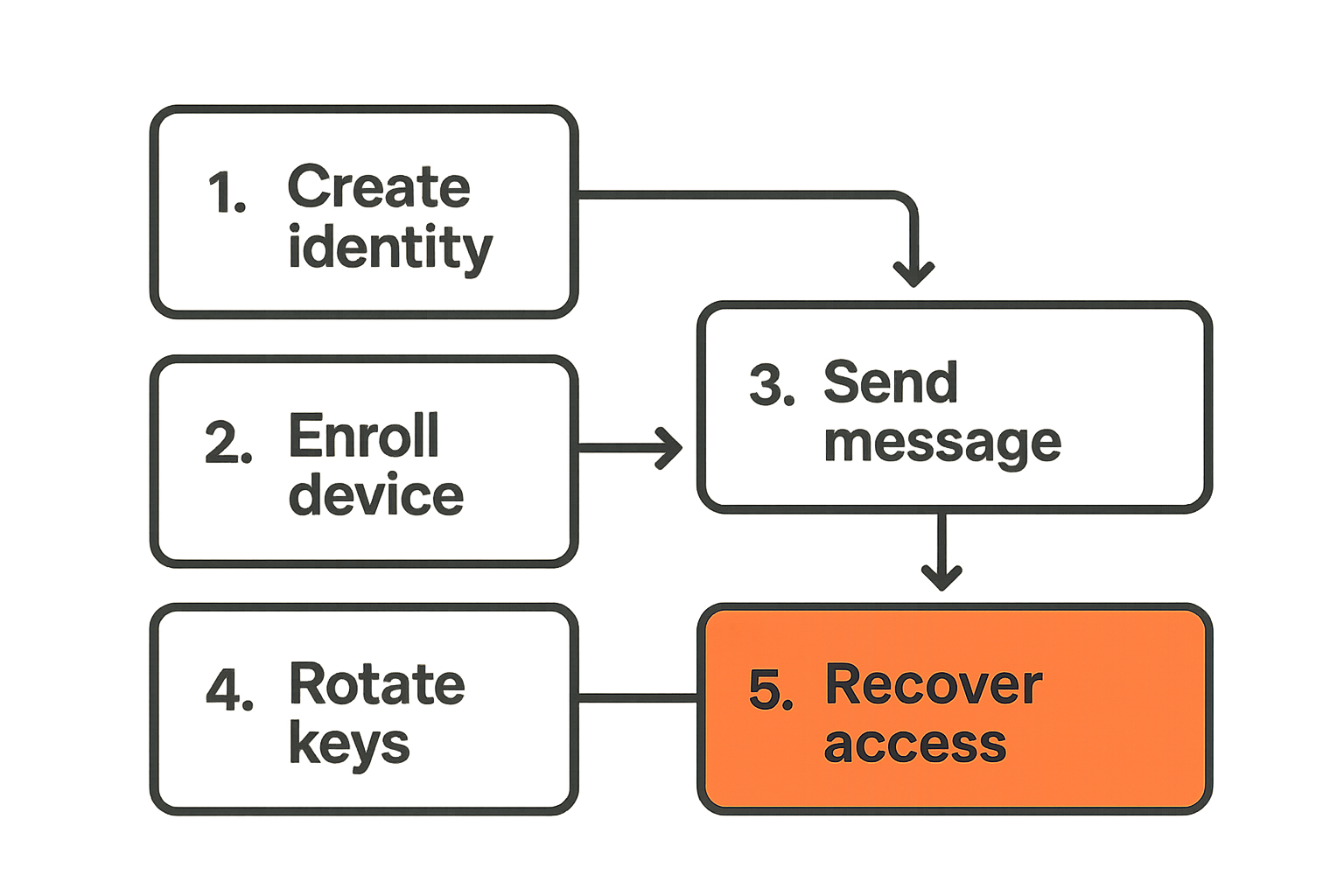
Identity is the root of trust
In encrypted messaging, identity is not just a login. It is the basis for deciding which keys belong to which user and whether a message is being sent to the right party.
You need to decide whether identity is based on email, phone number, username, organization account, cryptographic fingerprint, wallet, SSO, or something else. Each option has product consequences.
Email is familiar but vulnerable to account takeover. Phone numbers are convenient but portable and exposed to SIM-swap risk. Usernames are flexible but need verification. Enterprise identity is powerful but can conflict with individual privacy. Cryptographic fingerprints are strong but hard for mainstream users.
The mistake teams make is hiding identity complexity until late. Then the onboarding flow, recovery flow, and trust model all fight each other.
Device enrollment is a product moment
Most users expect messaging to work on multiple devices. That means your architecture has to handle device enrollment.
Common patterns include:
- User signs in on a new device.
- Existing trusted device approves the new device.
- The system provisions the required keys or encrypted key material.
- Other participants are notified or silently updated, depending on the threat model.
- Old devices can be reviewed and revoked.
This is security, but it is also UX. If enrollment is too strict, users churn. If it is too loose, account takeover becomes catastrophic.
A minimal enrollment event can look like this:
event: device_enrolled
user_id: usr_123
device_id: dev_456
approved_by_device: dev_111
key_version: 9
risk_level: medium
created_at: 2026-06-06T10:12:00Z
Do not log private keys. Do log enough operational state to investigate whether device enrollment succeeded, failed, or looked suspicious.
Recovery is where promises get tested
Recovery is the most uncomfortable part of encrypted messaging software development because every option has a cost.
If only the user has the keys, losing devices may mean losing old messages. If the company can restore messages, the company likely has access to key material or recovery secrets. If you use encrypted backups, users need a recovery credential. If you rely on social recovery, the UX becomes more complex.
There is no free recovery model. There is only a recovery model you can explain.
The practical question is not whether recovery should be easy. The practical question is whether recovery should preserve old messages, preserve account access only, or preserve neither without user-held secrets.
Design message state like a payments system
Messages need lifecycle states
A message is not just sent or not sent. In a real app, it moves through states.
A useful lifecycle might be:
- Drafted on client.
- Encrypted for recipient devices.
- Queued locally.
- Accepted by server.
- Delivered to recipient device.
- Decrypted locally.
- Read by user, if read receipts are enabled.
- Expired or deleted, if retention rules apply.
If you do not model these states explicitly, you end up with vague bugs: message disappeared, message duplicated, message stuck, recipient saw old version, read receipt wrong.
State modeling feels unglamorous. It is the difference between a prototype and a product.
Retries and idempotency are not optional
Networks fail. Mobile apps go background. Push notifications are delayed. Users tap send twice. Devices restore from backup. Servers retry jobs.
Your messaging API should make duplicate attempts safe. Use client-generated message IDs. Make send operations idempotent. Track delivery attempts separately from message identity.
Example shape:
message_id: msg_client_01HX
conversation_id: conv_789
sender_device_id: dev_456
ciphertext_ref: blob_abc
recipient_key_versions:
  usr_222: 14
  usr_333: 8
state: accepted
attempt: 3
The server does not need plaintext to enforce idempotency. It needs stable identifiers and clear state transitions.
Receipts require careful semantics
Delivery receipts and read receipts sound simple. They are not.
Delivered to server is not delivered to device. Delivered to device is not decrypted. Decrypted is not read. Read is not understood. In privacy-sensitive products, receipts can also leak behavior.
Decide what each receipt means and name it honestly. For example:
| Receipt | Meaning | Privacy risk |
|---|---|---|
| accepted | Server accepted encrypted payload | Low |
| delivered | Recipient device fetched payload | Medium |
| decrypted | Client successfully decrypted message | Medium |
| read | User viewed message | High |
Many products should make read receipts optional. Some should avoid them entirely.
Practical rule: Do not expose a receipt until your team can define exactly which state transition created it and what user behavior it reveals.
The backend still matters when messages are unreadable
Separate routing from content
A strong encrypted messaging backend does not need plaintext to be useful. It routes messages, manages device registries, enforces authentication, stores encrypted payloads, coordinates membership, schedules retries, and emits operational signals.
The architecture should separate routing metadata from content. That usually means different storage models, access controls, and retention policies.
For example:
- Message payload store: ciphertext blobs, retention rules, deletion markers.
- Routing store: sender, recipients, conversation IDs, device IDs, delivery state.
- Identity store: accounts, public keys, device trust, revocation state.
- Operational event store: failures, retries, latency, key version mismatches.
Keeping these separated makes it easier to reduce blast radius and reason about access.
Log events without logging secrets
Debugging encrypted systems is hard because the easy debug path is usually the dangerous one. A developer wants to inspect what happened. The system must not make message content inspectable.
Good logs answer operational questions:
- Did encryption happen on the client?
- Which key version was used?
- Did the server accept the payload?
- Did the recipient device fetch it?
- Did decryption fail?
- Was the device revoked?
- Was a retry scheduled?
Bad logs include plaintext, private keys, recovery secrets, full push notification contents, or screenshots uploaded by support without redaction.
A safe event might look like:
event: decrypt_failed
message_id: msg_client_01HX
conversation_id_hash: h_92f1
recipient_device_id: dev_222
expected_key_version: 14
actual_key_version: 13
client_version: 2.4.1
This gives engineering a path to investigate without breaking the privacy promise.
Build operational dashboards around metadata
You still need dashboards. They just have to be designed around metadata and state transitions.
Track:
- Send success rate.
- Median time from accepted to delivered.
- Decryption failure rate by app version.
- Device enrollment failure rate.
- Key rotation backlog.
- Push notification delivery failures.
- Recovery flow completion rate.
- Account takeover signals.
Do not track message content. Do not collect more metadata than you need. But do not fly blind either. Private products still need operational telemetry.
What breaks in practice and how to avoid it
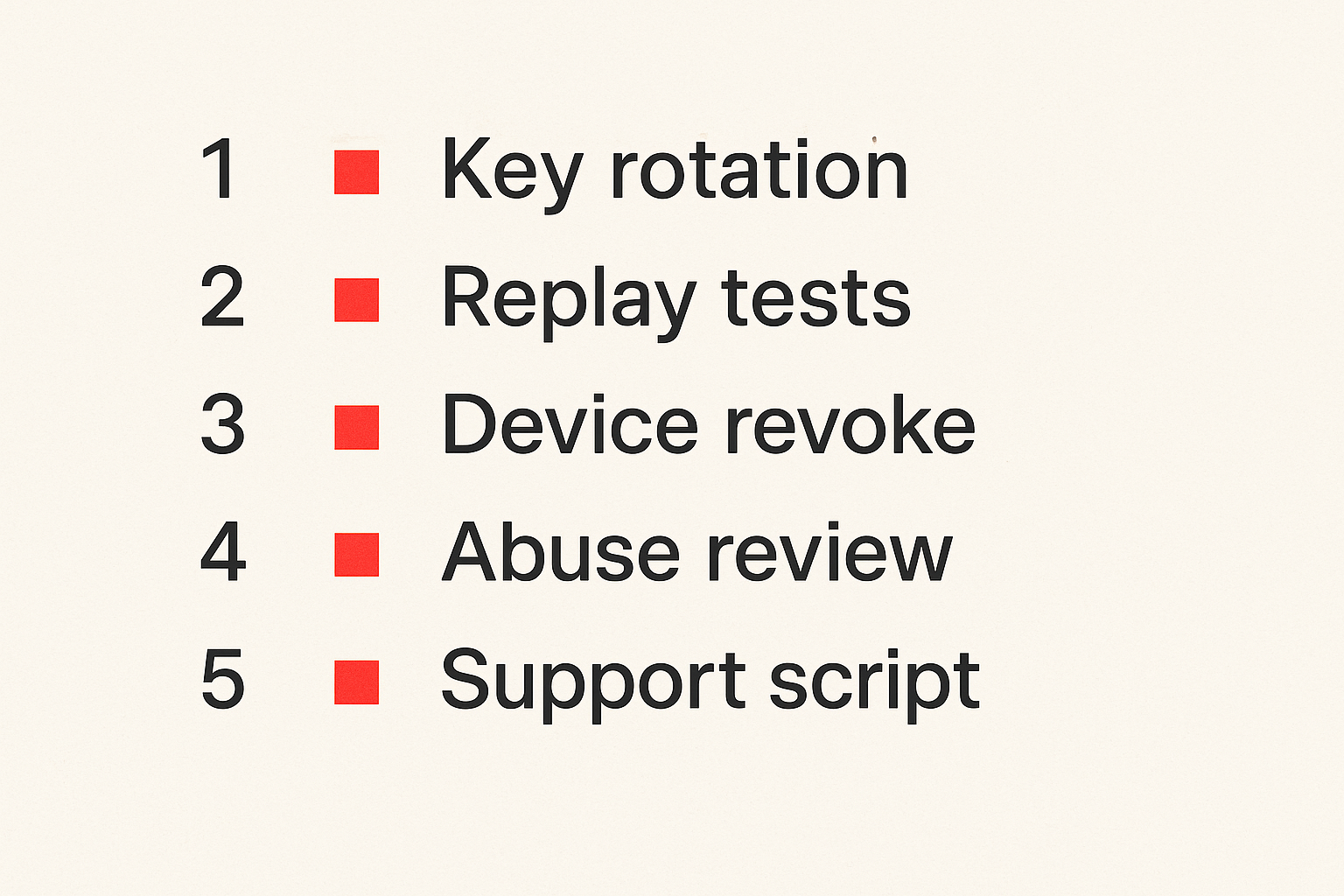
Failure mode one key drift
Key drift happens when clients disagree about which keys are valid. A user adds a device. Another user is offline. A group membership update fails. A background job retries with stale data. Suddenly messages are encrypted for the wrong device set or wrong key version.
Symptoms include intermittent decryption failures, missing messages for one device, conversations that work for some members but not others, and support tickets that seem impossible to reproduce.
What works:
- Version every key and membership change.
- Treat device revocation as a first-class event.
- Make clients fetch current key state before encrypting sensitive messages.
- Build reconciliation jobs for stale device state.
- Alert on decryption failures by key version and client version.
What fails:
- Assuming device state is always current.
- Updating group membership without rotating relevant keys.
- Retrying old encryption jobs after trust state changed.
- Using silent failure when a client cannot decrypt.
Failure mode two support cannot debug
Support teams usually operate through visibility. Encrypted messaging removes the easiest visibility: reading the message. If you do not design support tools intentionally, every issue becomes an engineering escalation.
The fix is not to weaken encryption. The fix is to expose safe diagnostic state.
Support should be able to see:
- Whether a message was accepted by the server.
- Whether the recipient device fetched it.
- Whether decryption failed.
- Whether the user has stale app versions.
- Whether a device was recently added or revoked.
- Whether push notification delivery failed.
Support should not be able to see message content, private keys, or hidden recovery secrets.
This requires product work. It needs admin views, role-based access, redaction rules, and support scripts that explain what can and cannot be recovered.
Failure mode three security blocks growth
Some teams build a security model so rigid that normal users cannot onboard. Others make onboarding so easy that the security model collapses. Both are launch problems.
What breaks in practice is not usually encryption performance. It is user comprehension. People do not understand why a new device needs approval. They do not save recovery codes. They ignore fingerprint warnings. They blame the product when old messages cannot be restored.
The answer is progressive disclosure. Explain security decisions at the moment they matter, not in a 40-page settings panel.
Use plain-language prompts:
- This device will be able to read future messages.
- Your old messages cannot be restored unless you set up encrypted backup.
- This contact changed devices. Verify before sharing sensitive information.
- Removing this device will stop it from receiving future messages.
The product has to teach the trust model without sounding like a legal document.
What works for an MVP and what should wait
What works for the first launch
For a first launch, constrain the problem. A focused encrypted messaging MVP can still be valuable.
Good early scope:
- One-to-one conversations.
- A single primary device per user, or simple multi-device with explicit approval.
- No message search across encrypted content.
- Clear delivery states.
- Basic encrypted attachment support only if necessary.
- Manual reporting flow for abuse.
- Simple account recovery that does not promise old message restoration.
- Strong logging around state transitions.
This gives you a product that can be used, tested, and improved without pretending to be a full secure communication platform on day one.
What fails when shipped too early
Some features are expensive in encrypted messaging because they pull on key management, policy, and support.
Be cautious with:
- Large group chats.
- Cross-device history sync.
- Full-text encrypted search.
- Admin exports.
- Disappearing messages with strict guarantees.
- Message editing and deletion across devices.
- Bots and third-party integrations.
- Federated messaging.
- Anonymous accounts plus strong abuse controls.
None of these are impossible. But shipping them early increases the number of ways your system can lie to users.
A disappearing message that remains in backups is a trust problem. A deleted message that remains visible on an offline device is a trust problem. A bot that can read a private room is a trust problem. These are not edge cases. They are product decisions.
Use constraints as product strategy
Constraints are not just engineering shortcuts. They can sharpen positioning.
Instead of promising everything, define the product around a clear use case. For example:
- Private founder-to-investor updates.
- Secure client communication for small agencies.
- Confidential team decisions for early-stage startups.
- Private creator communities with limited group size.
- Sensitive one-to-one support conversations.
A narrower use case lets you design cleaner onboarding, safer defaults, and more honest recovery. It also makes launch messaging easier.
The practical question is not how to ship every feature securely. The practical question is which features are necessary to prove the product should exist.
A launch plan for encrypted messaging software development
Step one define the threat model
Before the roadmap, write the threat model. Keep it short enough that product and support can understand it.
Include:
- Who you protect users from.
- Who you do not protect users from.
- What the server can see.
- What employees can access.
- What happens after device loss.
- What happens after account takeover.
- What metadata is retained.
- What guarantees are not available in the MVP.
This document prevents accidental promises. It also helps you say no to features that would break the model.
Step two ship a vertical slice
Build one complete path before building breadth.
A good vertical slice:
- User creates account.
- Device generates keys.
- User starts one conversation.
- Client encrypts message for recipient device.
- Server accepts ciphertext and routing metadata.
- Recipient fetches message.
- Recipient decrypts locally.
- Both clients show honest delivery state.
- Logs expose safe operational events.
- Support can diagnose a failed delivery without content access.
This sequence is more valuable than a beautiful inbox with weak internals. It forces the team to confront identity, device trust, encryption, delivery, observability, and support in one workflow.
Step three validate with failure drills
Do not validate only the happy path. Run failure drills before launch.
Test:
- Sender goes offline after tapping send.
- Recipient is on an old app version.
- Recipient adds a new device mid-conversation.
- A device is revoked while messages are queued.
- Push notification arrives but ciphertext fetch fails.
- Server retries a send after membership changes.
- User loses all devices.
- Support receives a missing-message ticket.
- User reports abuse in an encrypted thread.
For each drill, ask three questions: what does the user see, what does support see, and what does engineering see?
If one of those answers is nothing useful, the system is not launch-ready.
Shipping private messaging without dragging the launch
Where sh1pt.com fits
Encrypted messaging software development has a planning problem as much as an engineering problem. The work crosses product, backend, mobile, security, support, onboarding, and launch messaging. If the roadmap is just a pile of tickets, important trust decisions disappear into implementation details.
This is where a shipping workflow matters. You want milestones that map to real user value and real risk reduction:
- Threat model written.
- Trust promise approved.
- Device enrollment shipped.
- One-to-one encrypted send working.
- Delivery telemetry live.
- Recovery behavior documented.
- Support diagnostics ready.
- Failure drills passed.
- Launch copy aligned with architecture.
That changes the conversation from can we build encrypted chat to can we ship a private messaging product that survives first users.
The launch checklist
Before launch, review this checklist with engineering, product, and support:
- The trust promise is written in plain language.
- The server-knowledge map is current.
- Private keys never leave trusted client storage unprotected.
- Device enrollment and revocation are observable.
- Key versions are tracked.
- Message states are explicit.
- Send operations are idempotent.
- Decryption failures are measured without logging content.
- Recovery limitations are explained during onboarding.
- Support has safe diagnostic tools.
- Abuse reporting does not require broad content access by default.
- Launch copy does not overpromise.
The mistake teams make is waiting until launch week to align these pieces. By then, the architecture has already made promises the marketing page may not understand.
Encrypted messaging software development rewards teams that treat privacy as a product system. Not a feature. Not a slogan. A system of constraints, workflows, and operational decisions that users experience every time they send a message.
Try sh1pt.com
If encrypted messaging software development is on your roadmap, use sh1pt.com to turn the launch into a clear shipping plan: milestones, workflows, risk checks, and product decisions. Try sh1pt.com