
Security operations product management sounds like a niche enterprise phrase until your team starts shipping security features, internal tools, SOC workflows, or compliance-facing product promises.
Then the pain becomes obvious. Alerts pile up. Engineering wants clean requirements. Security wants better coverage. Support wants customer-ready answers. Leadership wants risk reduced without slowing launches.
Teams think the problem is tooling. The real problem is productizing security operations work so it can be prioritized, shipped, measured, and improved like any other product surface.
That changes the conversation. The practical question is not whether your SOC has enough dashboards. It is whether your detection, triage, automation, response, and reporting workflows behave like a coherent product that real operators can use under pressure.
This guest contribution comes from the team at threatcrush.com, where the day-to-day work is helping security operations teams reduce noise, connect workflows, and turn scattered signals into action.
Table of contents
- Security operations product management is a shipping discipline
- The operating model behind security operations product management
- Turn SOC pain into product requirements
- Build a roadmap around workflows, not feature requests
- Design detection and automation as product experiences
- Measure the work without gaming the SOC
- Implementation workflow for shipping SOC capabilities
- What breaks when security operations product management is done badly
- What works in practice
- Where sh1pt.com fits for security-minded product teams
- Closing thoughts on security operations product management
Security operations product management is a shipping discipline
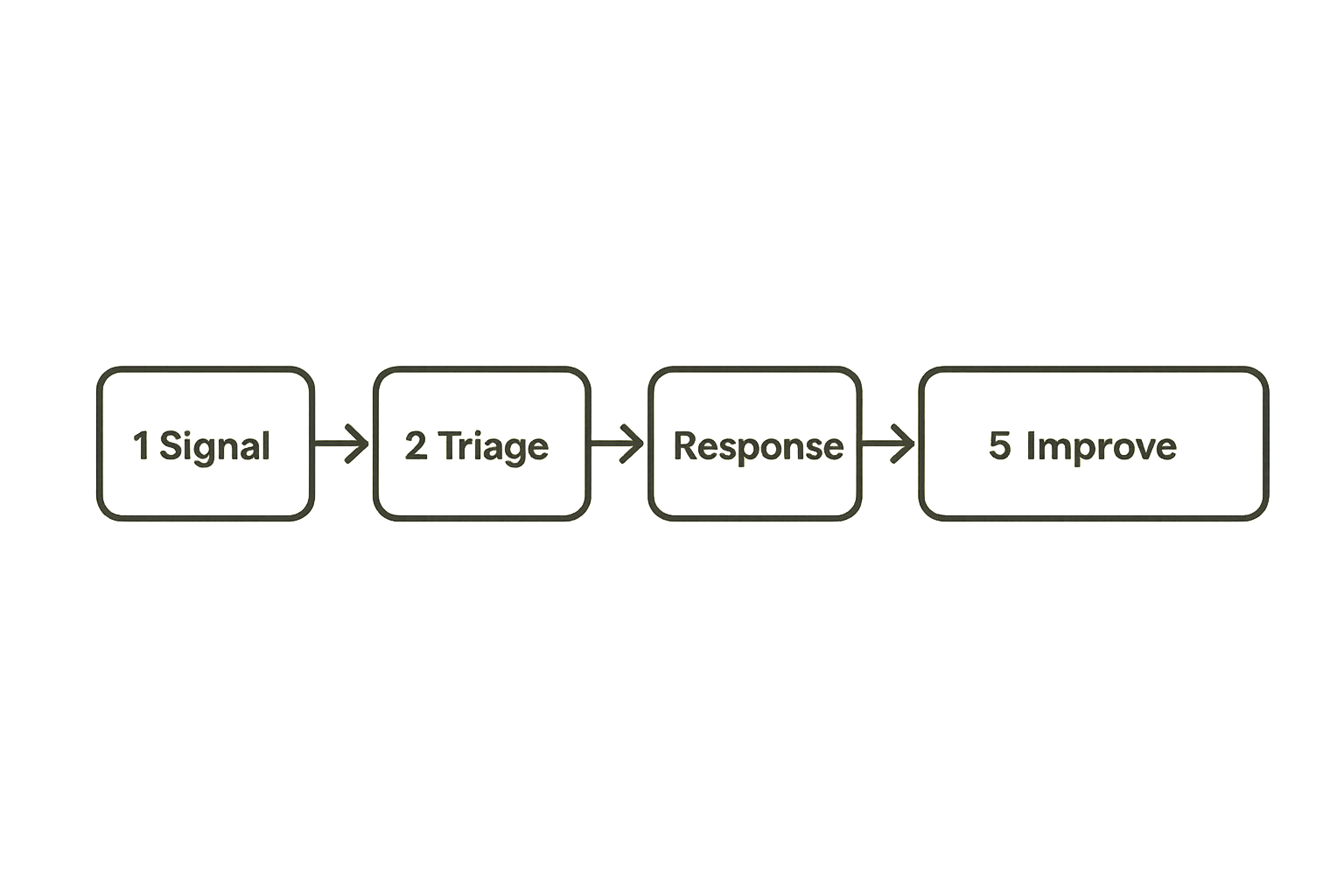
The SOC is full of product surfaces
A SOC is not just analysts, queues, and dashboards. It is a collection of product surfaces: alert pages, escalation paths, investigation notebooks, enrichment panels, case templates, response buttons, exception forms, executive summaries, and customer-facing incident updates.
Each surface has users. Each user has jobs to do. Each job either gets easier or harder depending on what you ship.
The mistake teams make is treating security operations as a back-office function that simply consumes tools. In practice, every meaningful SOC improvement is a product decision. You are deciding which signals matter, which workflows are supported, which actions are safe to automate, and which humans own the messy edge cases.
Why founders and product teams should care
If you are building software in 2026, security operations will touch your product whether or not you have a formal SOC. You may have a customer asking how incidents are handled. You may need audit evidence. You may need to investigate abuse. You may need to prove that a launch did not create a new exposure.
For startup teams, security operations product management is useful because it forces security work into the same operating language as product work: users, requirements, release scope, ownership, metrics, and feedback.
That is especially important for founders and product managers who do not want security to become a last-minute blocker. When security operations work is productized, it can be planned earlier, shipped smaller, and measured after launch.
The output is not a roadmap slide
A roadmap slide can be useful, but it is not the work. The work is shipping operational capability.
That might mean a better phishing triage workflow, a new abuse detection rule, a safer admin action audit trail, a response playbook for credential stuffing, or a clean evidence export for enterprise customers.
Practical rule: If a SOC improvement cannot be described as a user, workflow, decision, and measurable outcome, it is probably not ready to ship.
Security operations product management is the discipline of turning that messy operational need into something buildable and supportable.
The operating model behind security operations product management
Start with outcomes, not tools
Tool-first security work usually sounds efficient. Buy a platform, connect data, turn on rules, build dashboards. What breaks in practice is that the tool becomes a proxy for strategy.
A better starting point is the operational outcome. For example:
- Reduce time spent triaging low-confidence endpoint alerts.
- Improve confidence when escalating suspicious login activity.
- Make customer-impacting incidents easier to summarize.
- Shorten the path from detection to containment for known abuse patterns.
- Give product teams visibility into launch-related security risks.
These are product outcomes. They can be prioritized against engineering work, customer asks, support load, and compliance needs.
Map the users inside the workflow
Security operations workflows usually have more users than teams expect. The primary user may be an analyst, but the workflow might also touch engineering, support, legal, customer success, finance, and leadership.
A useful way to think about it is to map every person who either contributes information, makes a decision, approves an action, or consumes the output.
| Workflow surface | Primary user | Secondary users | Product question |
|---|---|---|---|
| Alert triage | SOC analyst | Detection engineer | What context is needed in the first 60 seconds? |
| Incident escalation | Incident commander | Engineering, support | Who owns the next decision? |
| Abuse investigation | Trust and safety | Product, support | What evidence is required before action? |
| Customer incident update | Customer success | Legal, leadership | What can be shared safely and quickly? |
| Audit evidence export | Compliance owner | Security, sales | What proof must be repeatable? |
This table is simple, but it changes planning. You stop asking whether the SOC needs a feature. You ask which user is blocked, at which point in the workflow, and what must change for the workflow to move.
Define the unit of shipped value
In normal product work, the unit of value might be a feature, onboarding step, integration, or report. In security operations, the unit of value should usually be a workflow improvement.
Bad unit: Add more alerts.
Better unit: Reduce analyst decision time for impossible travel alerts by adding device history, prior user behavior, and a clear escalation recommendation.
Bad unit: Automate containment.
Better unit: Auto-disable only low-risk test accounts after three confirmed abuse signals, with human approval required for paid customer accounts.
Practical rule: Ship workflow improvements, not security nouns. A dashboard, rule, or playbook matters only if it changes an operational decision.
Turn SOC pain into product requirements
Translate alert noise into user stories
Security teams often describe pain as volume: too many alerts, too many false positives, too many tickets. Product teams need to translate that into behavior.
A weak requirement says: Reduce alert noise.
A useful requirement says: As an analyst reviewing a suspicious login alert, I need to see user risk, device novelty, geo change, recent password resets, and active session count in one view so I can decide whether to escalate within two minutes.
That requirement is buildable. It defines the user, context, data, decision, and time expectation.
You do not need to over-format everything as agile ceremony. The point is to make the work testable. If the analyst still opens five systems and asks the same Slack channel for context, the requirement failed.
Separate detection requirements from response requirements
Detection and response are related, but they are not the same product surface.
Detection asks: Did we notice the thing?
Triage asks: Can we understand the thing?
Response asks: Can we act on the thing safely?
Reporting asks: Can we explain what happened?
Teams blur these together and create brittle systems. A detection rule fires, a ticket opens, an automation runs, and nobody can explain why a customer account was locked. That is not a mature workflow. That is a chain of side effects.
Separate requirements force better design:
- Detection requirement: Signal should fire when a privileged account logs in from a new country and device within 15 minutes of a password reset.
- Triage requirement: Analyst should see reset source, device history, MFA status, and prior alerts.
- Response requirement: Analyst can revoke sessions, but account disablement requires approval if the user is an active admin.
- Reporting requirement: Case summary includes timeline, action owner, customer impact, and evidence links.
Write acceptance criteria operators can test
Acceptance criteria should not be written only for engineers. Operators need to test them in realistic conditions.
Example acceptance criteria:
- Given a high-risk login alert, the triage view shows identity, device, geo, MFA, session, and recent account change context.
- Given missing enrichment data, the system marks the field as unavailable instead of silently hiding it.
- Given a paid customer admin account, automated lockout is blocked unless an analyst approves it.
- Given a closed incident, the timeline can be exported without manual copy-paste.
This is security operations product management at its most useful. It turns vague operational frustration into shippable scope.
Build a roadmap around workflows, not feature requests
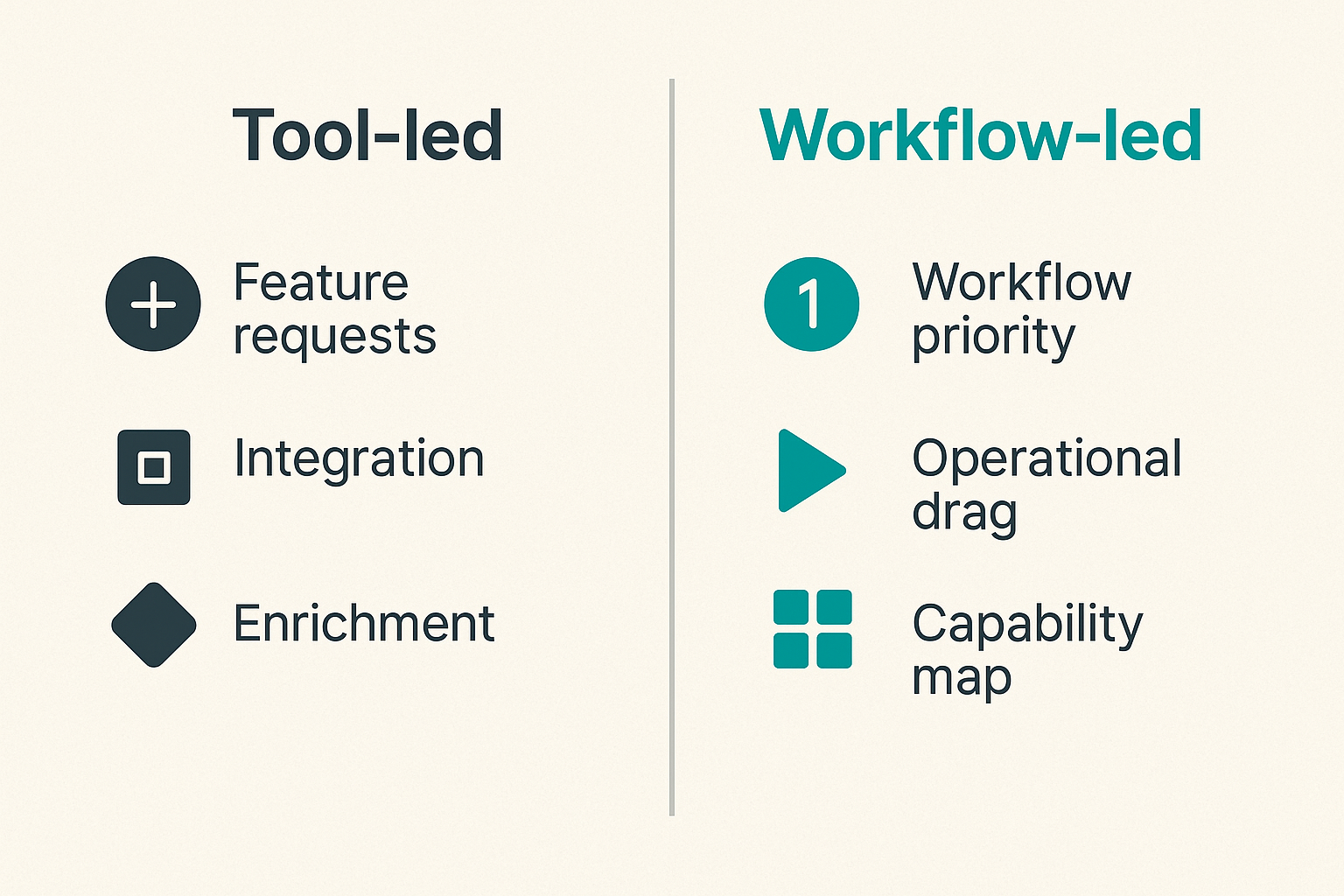
Prioritize by operational drag
Security operations teams have endless feature requests. Add another integration. Add more enrichment. Add a new dashboard. Add another severity field. The roadmap becomes a graveyard of partially useful ideas.
Prioritize by operational drag instead. Ask where time, confusion, risk, and rework are actually accumulating.
A simple scoring model works:
| Candidate workflow | Frequency | Risk if wrong | Manual effort | Customer impact | Priority |
|---|---|---|---|---|---|
| Suspicious admin login triage | High | High | Medium | High | 1 |
| Low-risk malware alert closure | High | Low | High | Low | 2 |
| Customer incident evidence export | Medium | High | Medium | High | 3 |
| Executive weekly dashboard | Low | Medium | Low | Medium | 4 |
The numbers do not need to be perfect. The purpose is to force the conversation away from whoever shouted loudest.
Use a capability map
A capability map shows what your security operations function can actually do. For product teams, it creates a clean bridge between security work and launch planning.
Example capability areas:
- Signal collection: logs, events, telemetry, customer activity.
- Detection: rules, behavior models, anomaly checks, abuse patterns.
- Triage: enrichment, correlation, case creation, analyst decisions.
- Response: containment, escalation, customer actions, engineering fixes.
- Validation: testing, purple-team exercises, false-positive review.
- Reporting: customer updates, audit evidence, leadership summaries.
Once you map capabilities, gaps become easier to discuss. You might discover that detection is strong, but response ownership is unclear. Or that customer-facing reporting is the bottleneck, not triage.
Decide what not to ship
Good product management is often the discipline of saying no. Security operations needs that discipline badly.
Do not ship a new rule if nobody owns tuning it.
Do not ship automation if rollback is unclear.
Do not ship a dashboard if no recurring decision depends on it.
Do not ship a customer-facing incident promise if support, legal, and engineering cannot execute it under pressure.
Practical rule: Every new security operations capability creates maintenance debt. If nobody owns the debt, the feature is not done.
Design detection and automation as product experiences
Detection is a promise
A detection is not just logic. It is a promise to the operator: if this fires, it means something worth attention may have happened.
That promise has product implications. The alert needs context, severity, confidence, next steps, and a path to resolution. Without those, it is just noise with a timestamp.
Useful detection product requirements include:
- What behavior does this detect?
- Which data sources are required?
- What is the expected false-positive pattern?
- What context should be shown first?
- Who owns tuning after launch?
- What response actions are safe?
- How will the detection be validated later?
This is where many teams underinvest. They ship logic but not usability.
Automation needs guardrails
Automation is attractive because manual SOC work is expensive and repetitive. The mistake teams make is automating before they understand the decision boundaries.
Security automation should be designed like a product feature with permissions, state, audit logs, previews, exceptions, and rollback.
A lightweight automation spec might look like this:
workflow: suspicious-admin-login
trigger: high-confidence-identity-alert
automated_actions:
  - revoke-active-sessions
  - require-password-reset
human_approval_required:
  - disable-account
  - notify-customer
blocked_conditions:
  - account-tier: enterprise
  - role: billing-owner
audit:
  - alert-id
  - analyst-id
  - action-time
  - rollback-link
This is not bureaucracy. It is how you avoid turning a useful workflow into an outage generator.
Make failure states visible
What breaks in practice is not always the happy path. It is missing enrichment, delayed logs, expired API tokens, duplicate tickets, partial automation, and unclear ownership.
Design for those states explicitly.
If enrichment fails, show that it failed. If a response action is pending, show who can unblock it. If an automation skipped a customer because of a guardrail, record the reason. If the workflow depends on a vendor API, expose retry status and failure history.
Operators do not need perfect systems. They need honest systems.
Measure the work without gaming the SOC
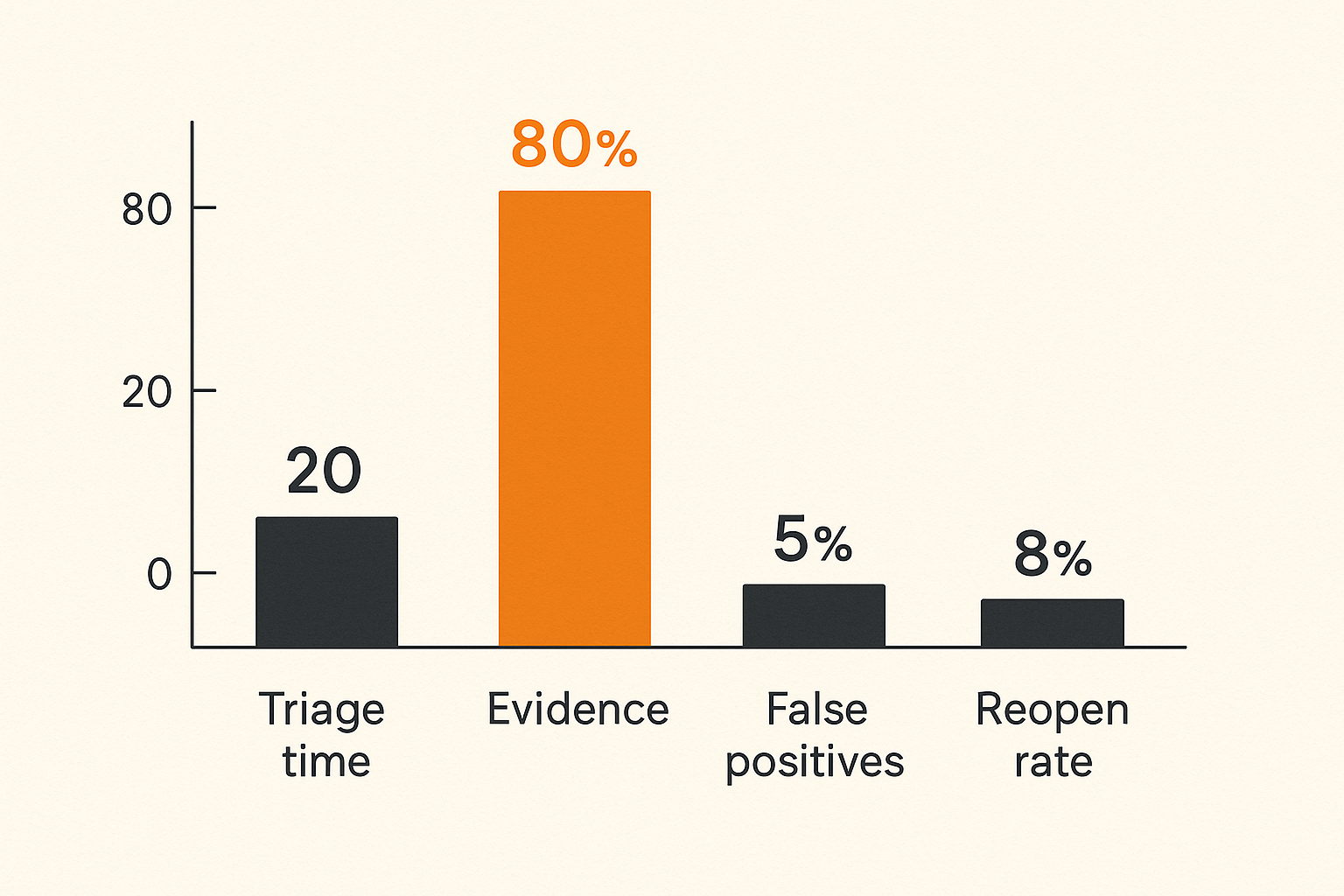
Use metrics that change decisions
Metrics are useful only when they change prioritization or behavior. Security operations teams often track what tools expose by default: alert counts, ticket counts, severity counts, closure counts. Those numbers can help, but they are easy to misread.
Better metrics connect to workflow quality:
- Median time to first meaningful triage.
- Percentage of alerts closed with sufficient evidence.
- Reopen rate for incidents or investigations.
- False-positive rate by detection owner.
- Automation bypass rate by guardrail.
- Time from confirmed incident to customer-ready summary.
- Number of manual system hops per investigation.
These metrics tell you where the product is failing operators.
Track quality, not just speed
Speed without quality creates hidden risk. If analysts close alerts faster because the queue is overwhelming, your metric improved while security got worse.
Pair speed metrics with quality checks. For example:
| Speed metric | Quality counterweight |
|---|---|
| Time to close alert | Evidence completeness |
| Time to contain | Rollback rate and customer impact |
| Automation rate | Manual override and bypass rate |
| Alert volume reduction | Missed detection review |
| Case throughput | Reopen rate |
That changes the conversation. You are not asking whether the SOC is faster. You are asking whether the workflow helps people make better decisions with less waste.
Review metrics in context
Security metrics are seasonal, launch-sensitive, and attacker-sensitive. A product launch may create new log volume. A new integration may cause duplicate alerts. A real campaign may make the queue look worse while the team is performing well.
Review metrics alongside context:
- Product launches and major releases.
- Detection changes and tuning windows.
- Incident spikes or abuse campaigns.
- Staffing changes and on-call load.
- Vendor outages or telemetry gaps.
A useful dashboard should help teams ask better questions. It should not punish them for reality.
Implementation workflow for shipping SOC capabilities
Step 1: Pick one painful workflow
Do not start with a platform migration or a full SOC transformation. Pick one workflow with visible pain and a clear owner.
Good candidates include:
- Suspicious privileged login triage.
- Customer-reported phishing investigation.
- Abuse account review.
- Malware alert de-duplication.
- Incident timeline generation.
- Audit evidence collection.
The workflow should be frequent enough to test and painful enough that improvement matters.
Step 2: Instrument the current state
Before changing the workflow, understand it. Shadow operators. Count handoffs. List systems opened. Capture decision points. Identify where people wait, guess, copy-paste, or ask for permission.
A simple current-state template is enough:
Workflow: suspicious privileged login
User: on-call analyst
Trigger: identity alert from SIEM
Systems opened: SIEM, IAM, device manager, ticketing, Slack
Decision needed: escalate, close, or contain
Common blocker: missing device history
Risk: accidental lockout of customer admin
Current workaround: ask engineering in Slack
This exposes the real product requirement. It is rarely just add more data. It is usually put the right context next to the decision and clarify the safe action path.
Step 3: Ship the smallest reliable improvement
Now ship a narrow improvement. Not the dream state. The smallest reliable change that reduces drag.
A practical sequence:
- Define the workflow and owner.
- Pick one decision point to improve.
- Add or expose the minimum context required.
- Define safe actions and blocked actions.
- Add logging for the new path.
- Test with realistic cases.
- Release to a small operator group.
- Review outcomes after one or two cycles.
This is the same shipping logic used for customer-facing software. Reduce scope until the release can be validated.
Step 4: Validate with operators
Validation is not a meeting where everyone says the dashboard looks good. It is watching whether the workflow changed.
Ask operators:
- Did this reduce system hopping?
- Did it make the decision clearer?
- Did any new ambiguity appear?
- Did automation behave as expected?
- Did documentation match the actual path?
- Would you trust this during an incident?
If the answer is no, treat that as product feedback, not resistance.
Practical rule: A SOC capability is shipped only when operators can use it under normal pressure without private knowledge or heroic effort.
What breaks when security operations product management is done badly
The tool becomes the roadmap
The most common failure mode is tool-led planning. A vendor releases a feature, a leader wants it enabled, and the team calls that progress.
Sometimes it is progress. Often it is shelfware with alerts.
When the tool becomes the roadmap, three things happen:
- Capabilities are shipped without workflow ownership.
- Metrics reflect platform usage instead of operational value.
- Operators adapt around the tool rather than through it.
The result is familiar: more dashboards, more noise, more meetings, and no clear reduction in risk.
Automation creates hidden risk
Bad automation fails quietly until it fails loudly. It closes the wrong tickets. It suppresses useful signals. It locks the wrong account. It sends a customer notification before facts are confirmed. It creates a false sense of control.
The fix is not to avoid automation. The fix is to product-manage it.
Automation needs a lifecycle:
- Design with guardrails.
- Launch in observe-only mode when possible.
- Record every action and skipped action.
- Review exceptions.
- Tune thresholds.
- Define rollback.
- Assign ownership.
If you would not ship a payment feature without idempotency and logs, do not ship security automation without auditability and rollback.
Ownership disappears between teams
Security operations often sits between product, engineering, IT, compliance, and support. That makes ownership easy to lose.
A detection engineer owns the rule. An analyst owns the queue. Engineering owns the service. Support owns the customer conversation. Legal owns language. Leadership owns risk appetite. Nobody owns the end-to-end workflow.
Security operations product management fixes this by assigning a workflow owner. Not a dictator. An accountable person who can convene the right teams, define release scope, and make tradeoffs visible.
Without that role, every incident becomes a custom project.
What works in practice
Small releases beat big transformations
Big SOC transformations are tempting because the mess is real. But large programs often take too long to show value. By the time the platform migration finishes, the product, threat model, customer base, and team have changed.
Small releases create learning.
Ship one better triage view. Ship one safer automation. Ship one clearer incident summary. Ship one evidence export. Then measure what changed.
This approach fits startups especially well. You do not need enterprise ceremony to manage security operations like a product. You need repeatable scoping, visible ownership, and honest feedback.
Operators need feedback loops
Operators know where workflows break, but their feedback often arrives as complaints after the roadmap is already set. Build feedback into the operating rhythm.
Useful loops include:
- Weekly review of noisy detections.
- Post-incident workflow review, not just root cause review.
- Monthly automation exception review.
- Analyst shadowing during new releases.
- Launch readiness review for security-relevant product changes.
The goal is not to create more meetings. The goal is to capture product feedback before frustration hardens into workaround culture.
Documentation is part of the product
In security operations, undocumented workflows are unfinished workflows.
Documentation should answer:
- What triggers this workflow?
- Who owns each decision?
- What data is trusted?
- What actions are allowed?
- What actions require approval?
- What happens when tooling fails?
- What evidence must be preserved?
- What customer or internal communication is required?
If documentation is stale, operators will route around it. If it is written for auditors but not for real incidents, it will not help when the queue is on fire.
Where sh1pt.com fits for security-minded product teams
Launch planning needs security work visible
Product launches create security operations work whether teams acknowledge it or not. New admin features create audit needs. New integrations create logging needs. New pricing tiers create abuse paths. New enterprise customers create incident communication expectations.
If security work is invisible during launch planning, it shows up later as delay, risk, or customer-facing confusion.
The practical move is to include security operations tasks in the same launch plan as product tasks:
- What new signals will this feature generate?
- What abuse cases should be monitored?
- What logs are needed for investigation?
- Who handles customer reports?
- What response actions are safe?
- What evidence will sales or compliance need?
This keeps security from becoming a separate universe.
Founder-led teams need lightweight process
Indie hackers, solopreneurs, and early-stage founders do not need a heavyweight SOC operating model. But they do need the product management instinct behind it.
For a small team, that may mean:
- One launch checklist item for logging and monitoring.
- One owner for abuse or security reports.
- One incident note template.
- One place to record security decisions.
- One monthly review of noisy alerts or customer issues.
That is enough to start. The point is to avoid building a product that nobody can operate safely.
Ship the workflow before the platform
A common startup trap is buying or building a large internal platform before the workflow is understood. The better path is to ship the workflow manually first, then automate the proven parts.
For example, before building a custom abuse console, run five abuse investigations with a structured checklist. Before automating account lockouts, manually review the cases and define safe boundaries. Before promising enterprise incident reports, produce two internal post-incident summaries and see what information is missing.
This mirrors how good product teams build everything else: learn the workflow, remove friction, then invest in the platform.
Closing thoughts on security operations product management
The practical question for your next launch
Security operations product management is not about making security sound more like product for the sake of language. It is about making operational risk shippable.
The practical question is simple: when your next product change creates a new signal, decision, or incident path, will your team know how to operate it?
If the answer is no, the feature is not fully shipped. It may be deployed. It may be live. But the operating workflow is still unfinished.
For teams building in 2026, that distinction matters. Customers expect faster answers. Attackers move quickly. Product surfaces change constantly. Security operations cannot live as a pile of disconnected tools and heroic manual effort.
Treat the SOC workflow like a product. Define the user. Map the decision. Ship the smallest useful capability. Measure whether it helped. Then keep improving. That is the durable version of security operations product management.
Try sh1pt.com
sh1pt.com helps builders plan, ship, and learn from product launches with a practical workflow mindset. Try sh1pt.com when you want your next launch to move from idea to market with fewer dropped details.